New Hiking Route Function in Apple Maps!

I had a nice little surprise when updating my Apple iPhone this morning. The Apple Maps app has been updated and now allows you to create simple hiking routes! It even gives basic stats on elevation gain and loss as well as route length.

So I have taken a few screenshots to guide you through how to use this new feature. Make sure you have updated your IOS software.
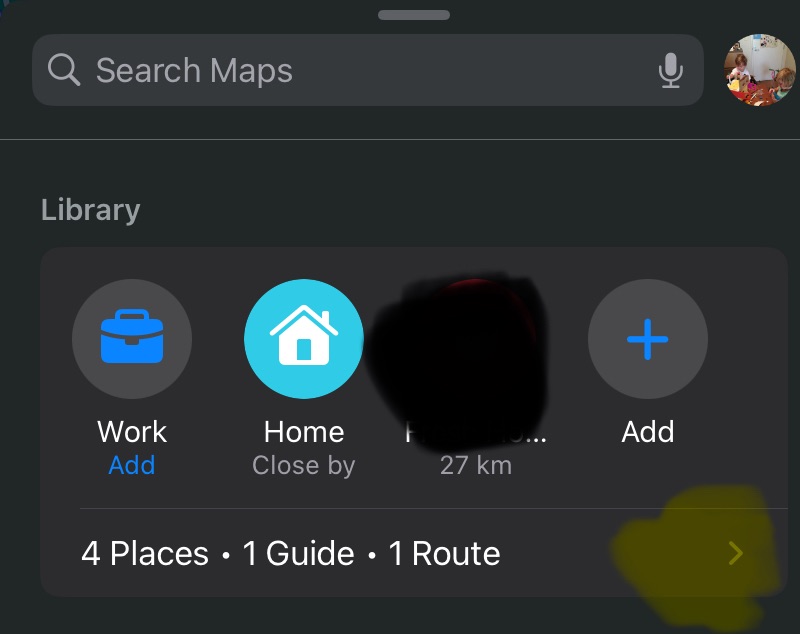

Swipe up to find the “Library” section. Click the little arrow. (I’ve smudged out some private info on the screenshot)
Within the “Library” section, you will see a category called “Routes”. Click “Routes”
In “Routes” you will see all the routes you have created. To create a new one click “create”
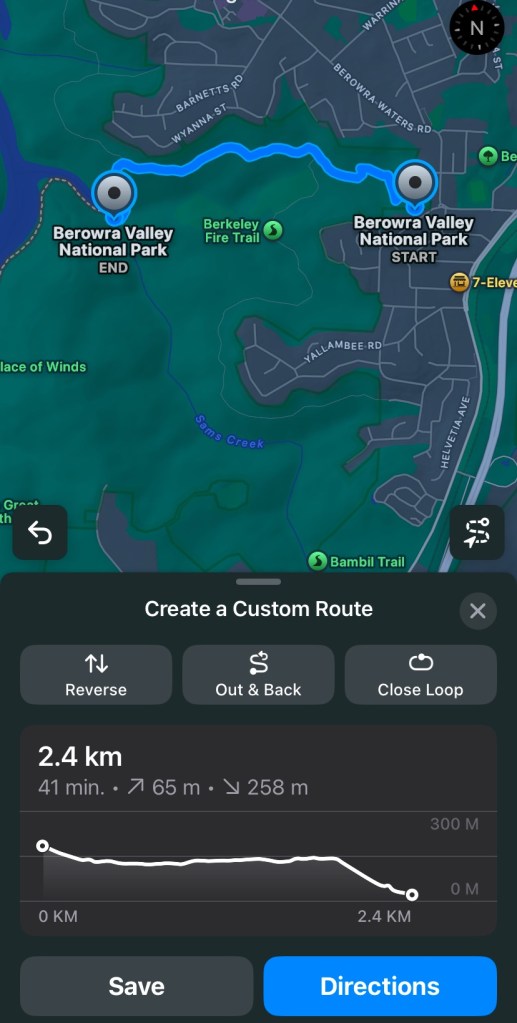
Tap the screen at the start of the trail to create your first waypoint.
Tap again on the track to create another waypoint. Marking a junction on destination is useful here.
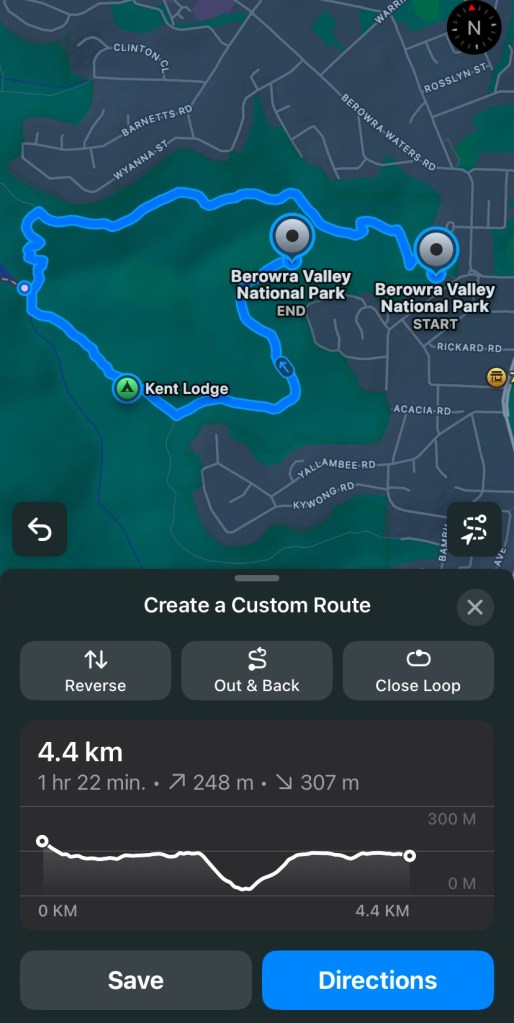
Keep going to define your route
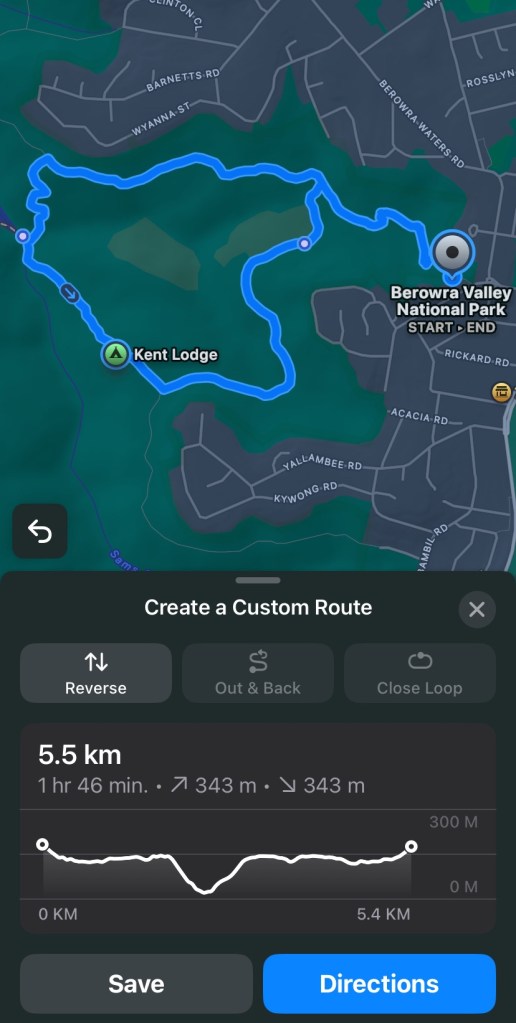
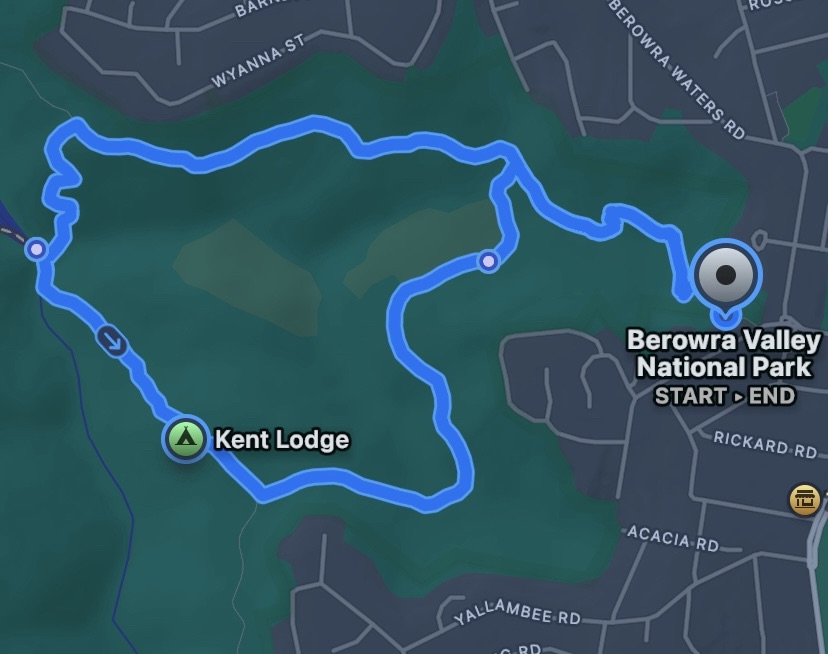
You can use the option “Close Route” to automatically finish a loop. You can also select “reverse” to change direction and “out and back” to plot the same route back. The full stats are visible at the bottom.

This is quite an interesting feature. Good for simple route planning along known tracks. It won’t let you plot a point outside of an existing track or trail so no bushbashing adventures can be planned. But if you just want to gauge how long and difficult a walk is then this could greatly assist. Enjoy!

One thought on “New Hiking Route Function in Apple Maps!

Leave a comment